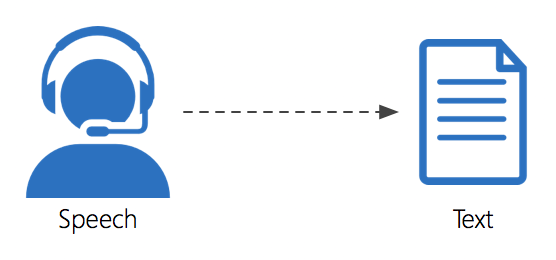
This weeks blog will be discussing software that allows people to use speech to text. Whether you are blogging, typing up a report, or answering an email. Typing has become a common task we all do. Today’s latest voice to text software allows us to put away the keyboards and complete these tasks much faster.
Even for the most typing savvy people, they can usually talk much faster than they can type. There are many great voice to text software out there. Apple Dictation is my favorite and it is the one I have chosen to use to write up this blog! It is as simple as turning on your microphone and using voice typing.
There are a few voice commands which should be written down or memorized whilst using Apple Dictation software. But it is pretty user friendly. For those of you who may be PC users. Google Docs is also another great voice to text software.

 Matthew's Instructional Tech in HRD Blog
I personally use voice to text mainly as a way to type out long text messages on my phone. I have found that the more you use it the more accurately it is able to pick up your speech in the future. I use my Apple device (Siri) to do this very often and those that hear me use voice commands often tell me they are surprised that I am able to so accurately get my voice to be heard. The only downside is that I may seem like I’m talking to myself at times… especially when I have headphones in. The price you pay for conveniece I suppose!
LikeLike